지난 실습에 이어서 오늘은 사진을 연필스케치로 만들고, 짧은 동영상으로 변환하는 실습입니다.
동영상 서비스가 종료되어 해당 콘텐츠를 재생할 수 없습니다.
오늘 내용도 Thread 사용자 @bbai_creator 님께서 공유하신 프롬프트 내용임을 밝힙니다.
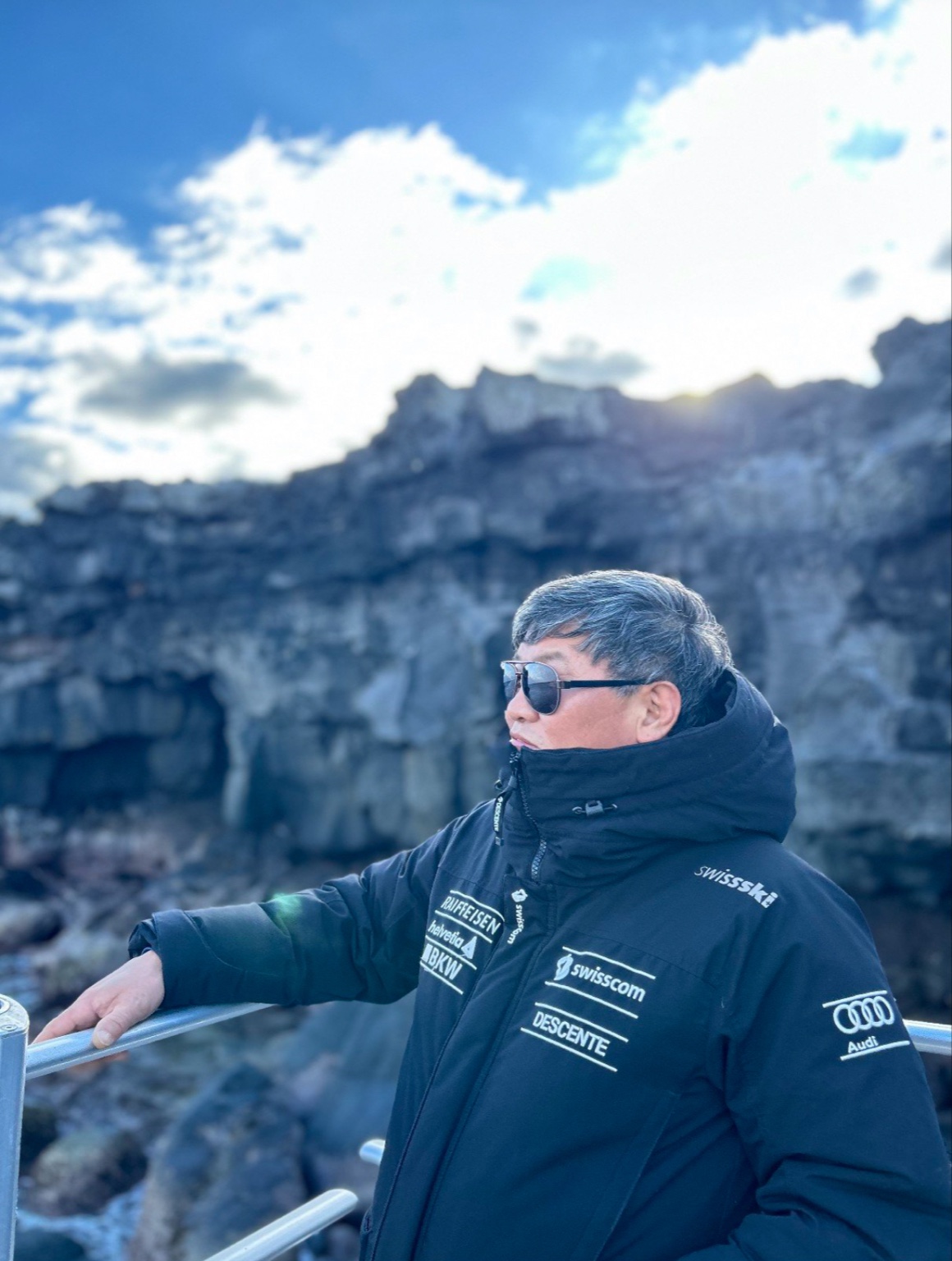
오늘의 사진 모델은 강원특별자치도 인제군 지역혁신리더 양성교육 4기 교육생 김용우 회장님입니다.
chatGPT에서 사진을 불러 옵니다.

chatGPT에 접속해 상단에 사진 및 파일추가를 누르고 변환하고자 하는 사진 파일을 불러 옵니다.
그리고, 하단의 프롬프트를 복사해서 붙여넣기를 하면 끝!
Create a realistic black-and-white pencil sketch portrait based strictly on the attached reference photo. Preserve the subject’s original identity, facial structure, proportions, age, expression, hairstyle, and overall likeness exactly as shown in the source image. Do not stylize or idealize the face. Render the portrait as a hand-drawn graphite pencil sketch, focusing on soft, expressive linework rather than heavy detail. Use loose but confident pencil strokes, visible sketch lines, light cross-hatching, and subtle tonal shading to suggest form and depth. Avoid hyper-realistic rendering — the drawing should feel natural, human, and slightly imperfect. Emphasize key facial features (eyes, nose, lips, cheekbones) with selective clarity, while allowing secondary areas (hair, shoulders, clothing edges) to remain loosely defined or partially unfinished. The overall drawing should appear intentionally incomplete, as if it is a refined study or work-in-progress, with some lines fading, overlapping, or left open. Maintain a clean white paper background with no texture, no color, and no added elements. Mood: calm, confident, approachable, understated elegance. Style keywords: realistic pencil sketch, graphite drawing, expressive linework, light cross-hatching, semi-unfinished illustration, monochrome, hand-drawn portrait, artistic realism
prompt by @bbai_creator
10~20초 후에 연필스케치 이미지가 생성됩니다.
그런데 위와 같은 장문의 프롬프트가 아니더라도, 개인적으로 chatGPT에 한글로 명령을 넣어도 무관합니다.
예를 들어 '사진 이미지를 연필 스케치 이미지로 변환해 줘'
라고 명령해도 이미지 변환은 됩니다.
디테일의 차이라고 생각하시면 될 것 같아요.
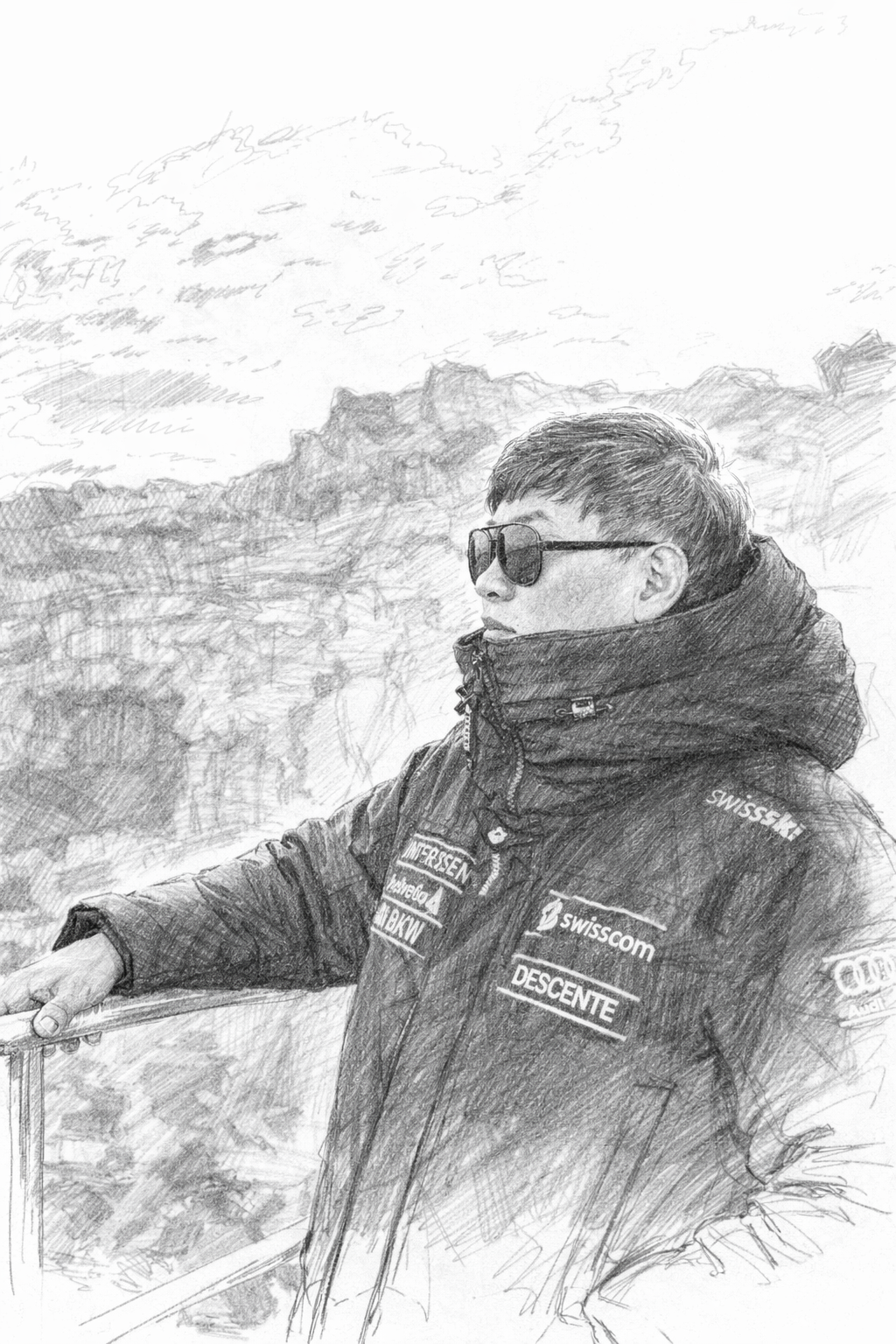
생성된 이미지를 짧은 동영상으로 만들어 보겠습니다.
Grok 사이트에 접속합니다.
이미지를 동영상으로 변환하는 AI 프로그램도 다양합니다만,
무료로 손 쉽게 사용할 수 있는 도구가 Grok이기에 안내합니다.
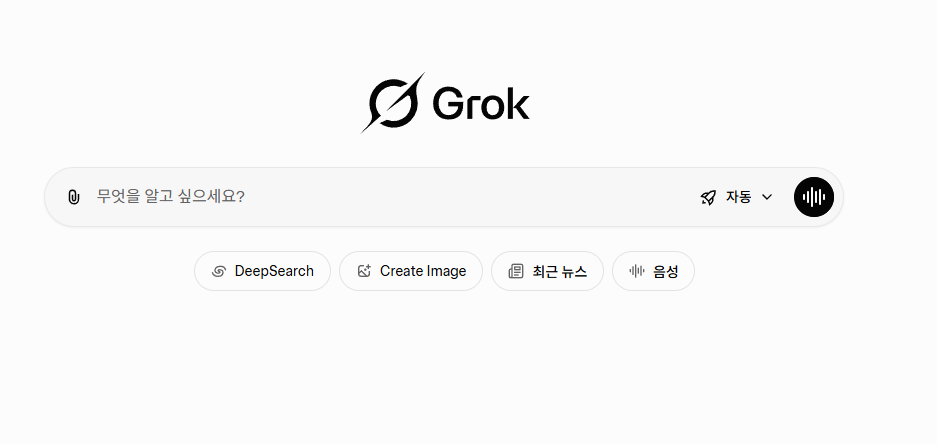
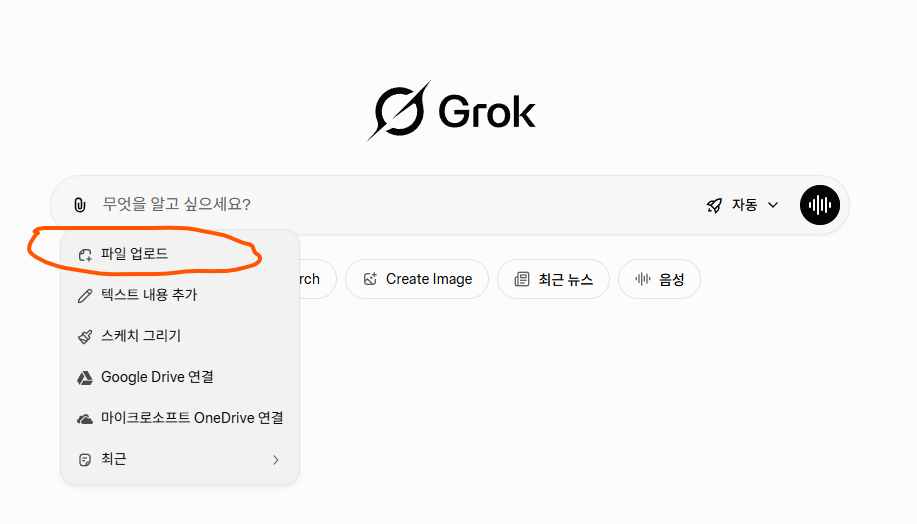
접속 후 파일 업로드 버튼을 누르고, 연필스케치 이미지를 업로드합니다.
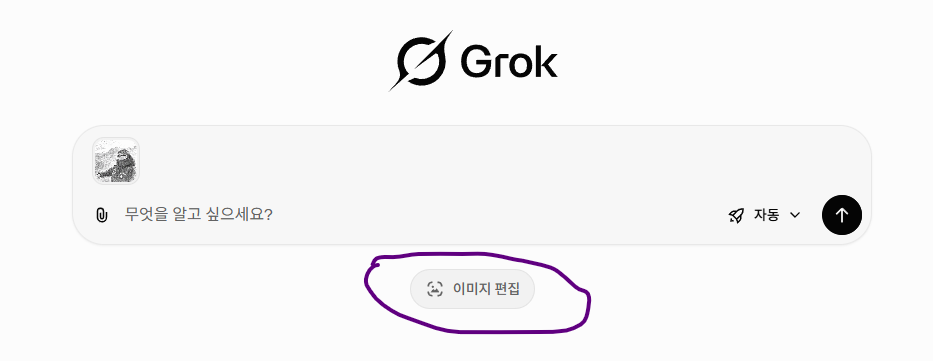
사진이 업로드 된 후에 하단에 이미지 편집 버튼을 누르고, 동영상 만들기 설정에서 원하는 설정으로 명령어를 넣습니다.
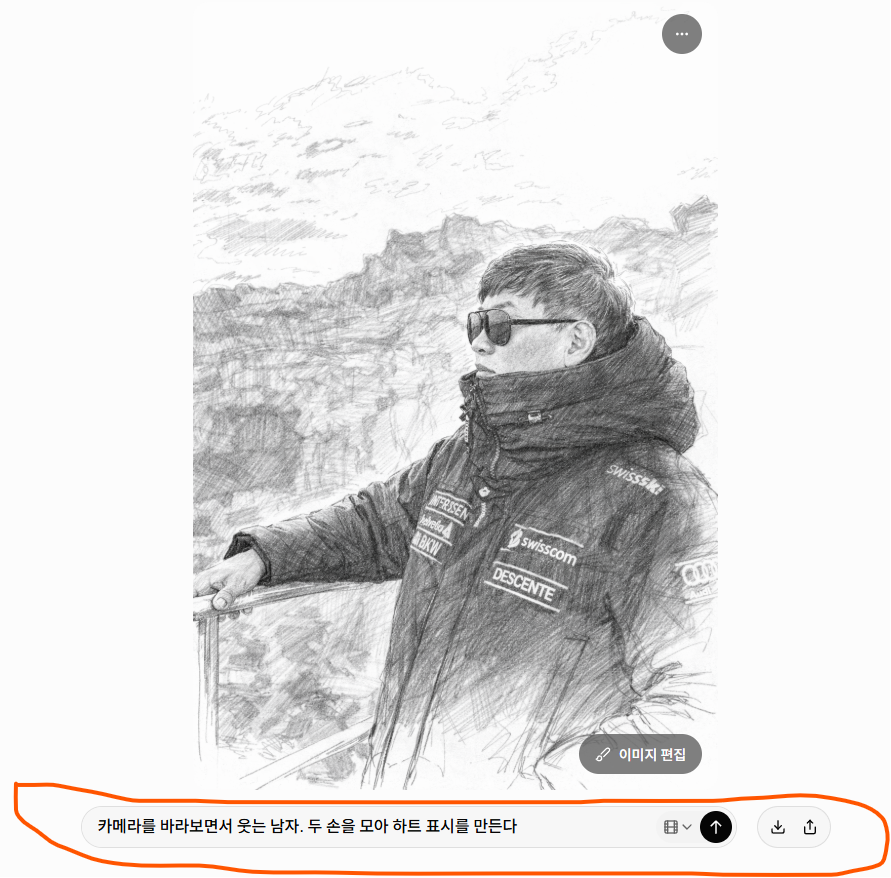
간단한 명령어를 넣고 화살표 표시를 누르면 동영상 변환이 시작됩니다.

할머니, 할아버지도 쉽게 따라할 수 있는
꼴찌PD만큼만 AI놀이 하자! 오늘은 사진으로 연필스케치 동영상 만드는 실습이었습니다
kkolzzipd@gmail.com